
Share your creative with
anyone, in a click
Share assets or boards by link, set who can view or comment, and export at full quality





Share in a click
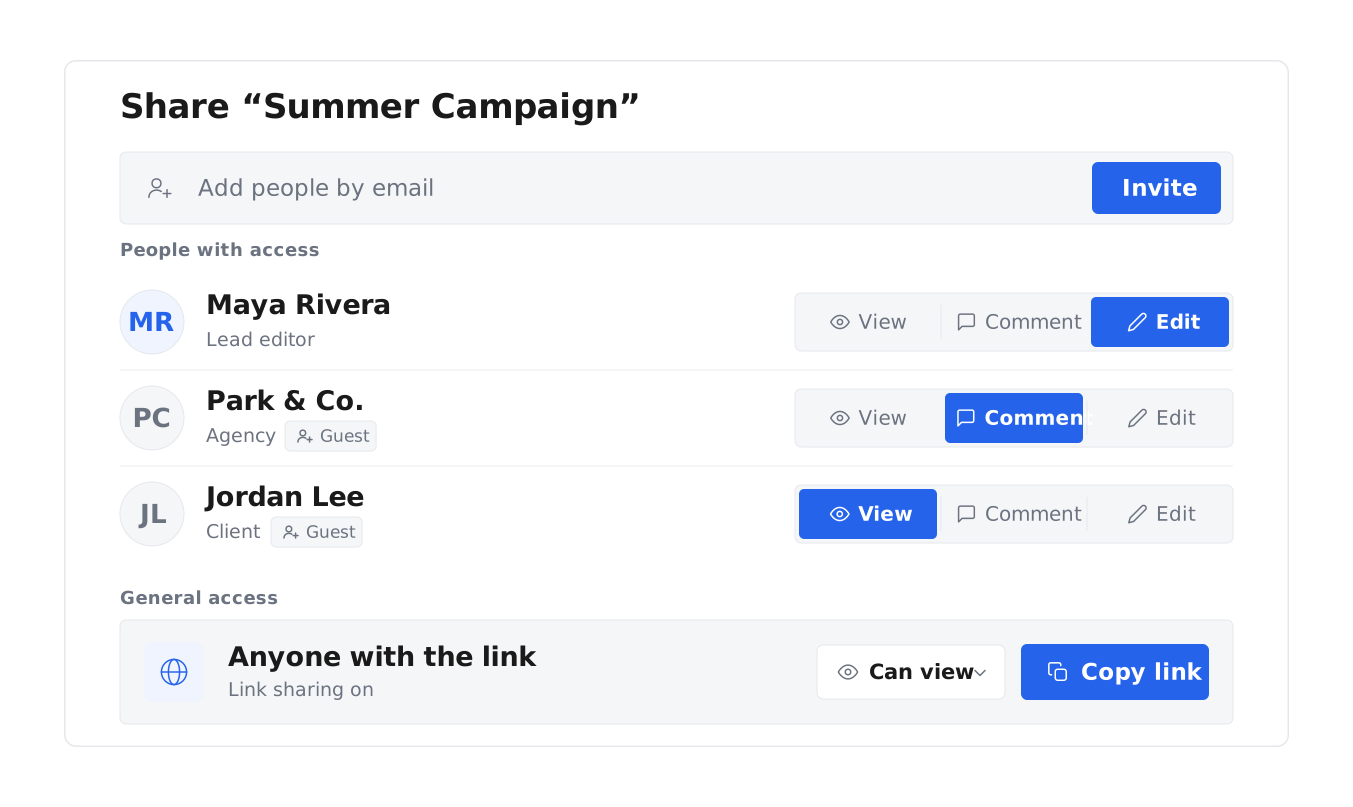
Send any asset or board with a link — to an editor, agency, or client — without moving files between tools.
Control what they can do
Set each person to view, comment, or edit, so the right people weigh in without changing the work.
Push straight to your channels
Send approved creative directly to your channels from Uplifted, with no download and re-upload.
Share and export your creative
Share an asset or a whole board
Send a single clip or an entire board through a link, so editors, agencies, and clients see exactly what they need — without a Drive folder or a zip file.
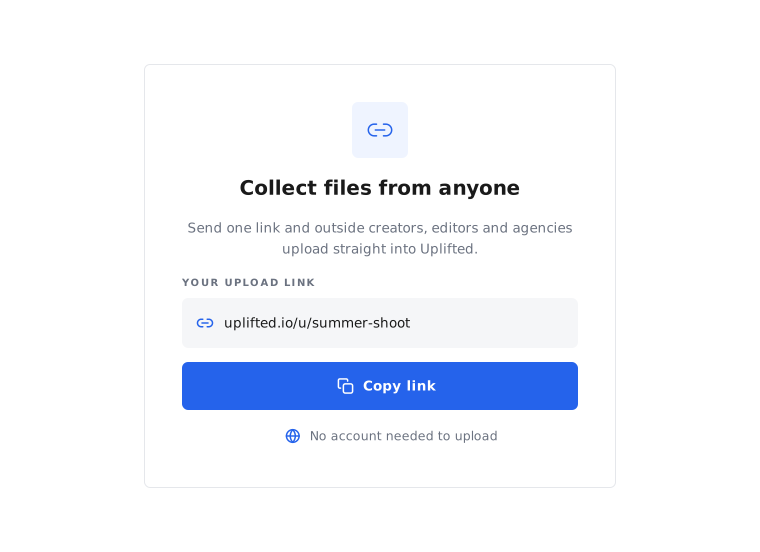
Collect work from creators and agencies
Send a share link to a board or folder and let outside content creators, editors, and agencies upload their work straight into it, without creating an account.
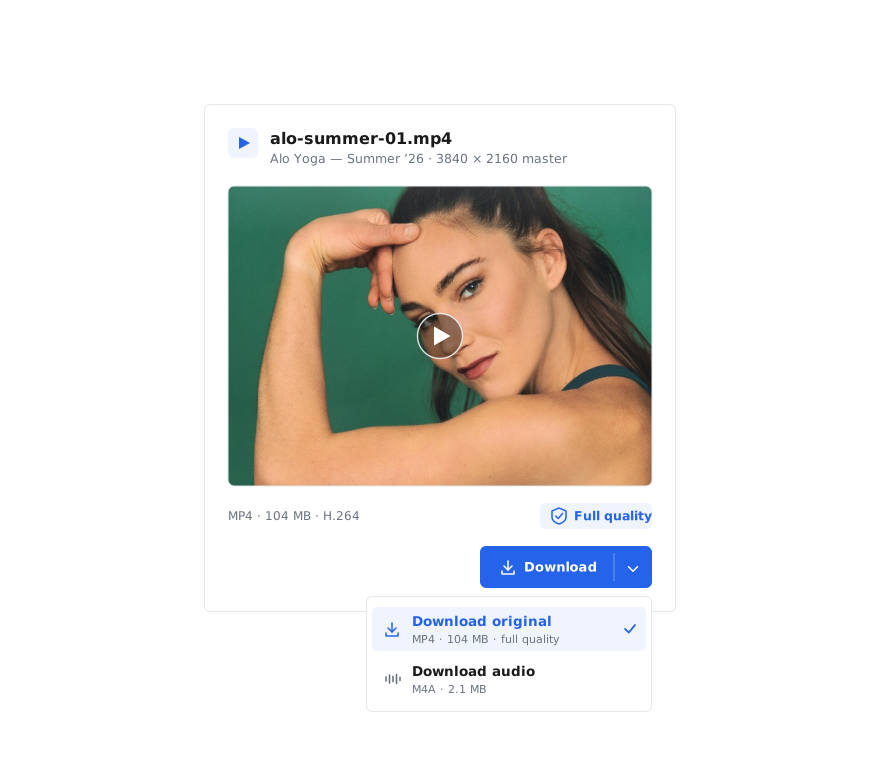
Keep full quality, every time
Everything is stored and shared at full quality — your raw footage and final ads alike, never a compressed copy. Editors download the original file to work from, so nothing degrades.
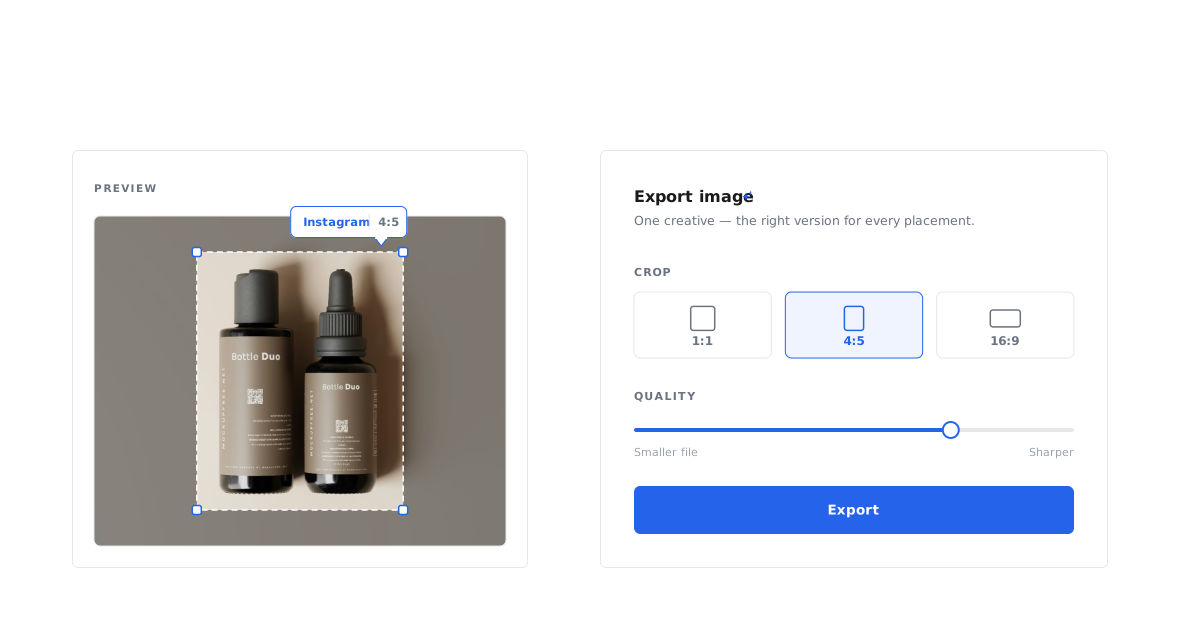
Export exactly how you need it
Advanced export lets you crop, change dimensions, zoom in or out, and set the quality before exporting — so you get the right version for each placement and channel without opening another tool.
Push creative to your channels
Once creative is approved, send it straight to your channels from Uplifted — no download, re-upload, or handoff between tools.


Frequently asked questions
Do creators, agencies, or clients need an account to take part?
No. Share a link to a board or folder and outside creators, editors, agencies, and clients can view, contribute, or upload their content straight in — no account or login required. Everything they send lands in the right board automatically, and you keep control of your library.
Can I crop or resize an asset when I export?
Yes. Advanced export lets you crop, change dimensions, zoom in or out, and set the quality before exporting, so each asset comes out in the exact spec a channel or placement needs.
Can I send creative straight to my ad channels?
Yes. Push approved creative directly to your channels from Uplifted, with no download and re-upload.
Are assets shared at full quality?
Yes. Everything is stored and shared at full quality, and your team downloads the original file.
Can I control what people can do with what I share?
Yes. Set each person to view-only, comment, or edit, so outside collaborators weigh in at the right level without changing your library.
How do I share creative assets with marketing teams?
Share any asset or board with your marketing team, agency, or clients through a link, and set whether each person can view, comment, or edit. Everyone works from the same creative in one place, so sharing creative assets across teams takes a click rather than a Drive folder or a zip file.
How do I share creative with someone outside my team?
Share any asset or board through a link with an editor, agency, or client. They see exactly what you send, and you control whether they can view, comment, or edit.
Does Uplifted compress files like WeTransfer?
No. Uplifted stores and shares every asset at full quality, including raw footage and final ads — and when you export, you choose the quality, so editors and partners always get the original file, not a compressed copy. For teams who hit quality loss sending creative through consumer tools, that's the difference.