
AI content repurposing for the creative you already have
Reuse what you have instead of reshooting or producing from scratch





Turn footage you've already shot into new clips
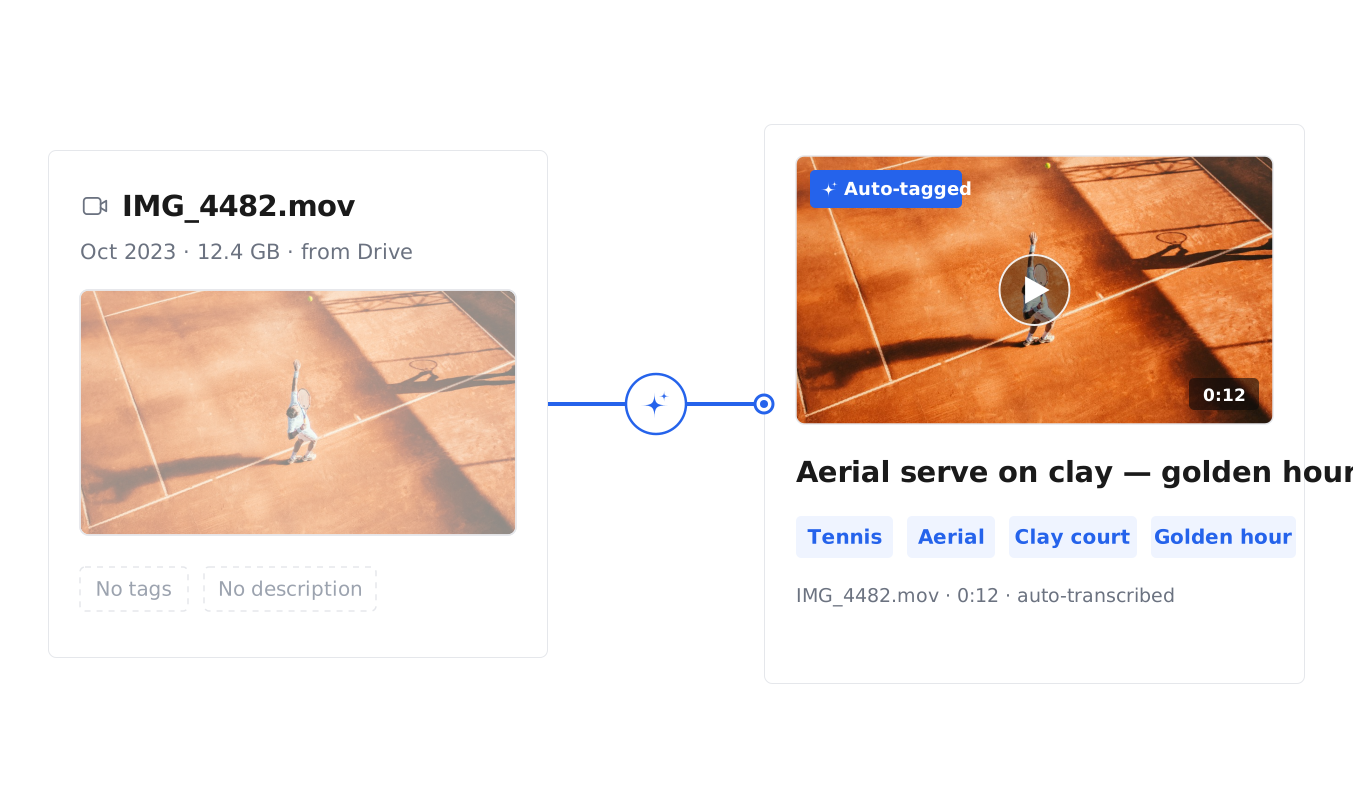
Find what you have already shot
Every asset is automatically tagged, transcribed, and described on upload, so you surface the exact clip, scene, or angle already in your library by describing it in plain English — even when the file name says nothing.
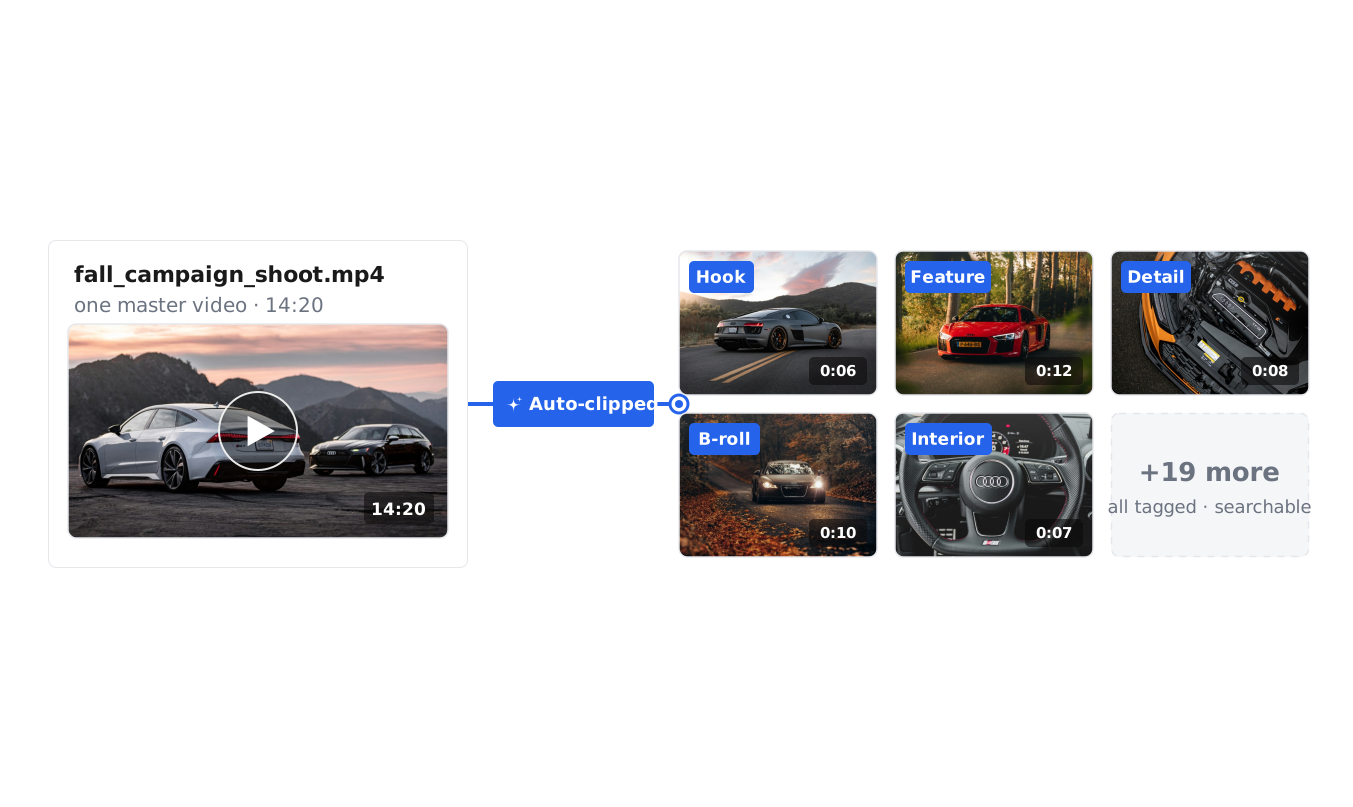
Turn one video into many clips
Uplifted automatically slices each video into individually tagged, searchable clips, so a single shoot becomes dozens of reusable pieces — hooks, demos, testimonials — ready to recut for new ads and channels.
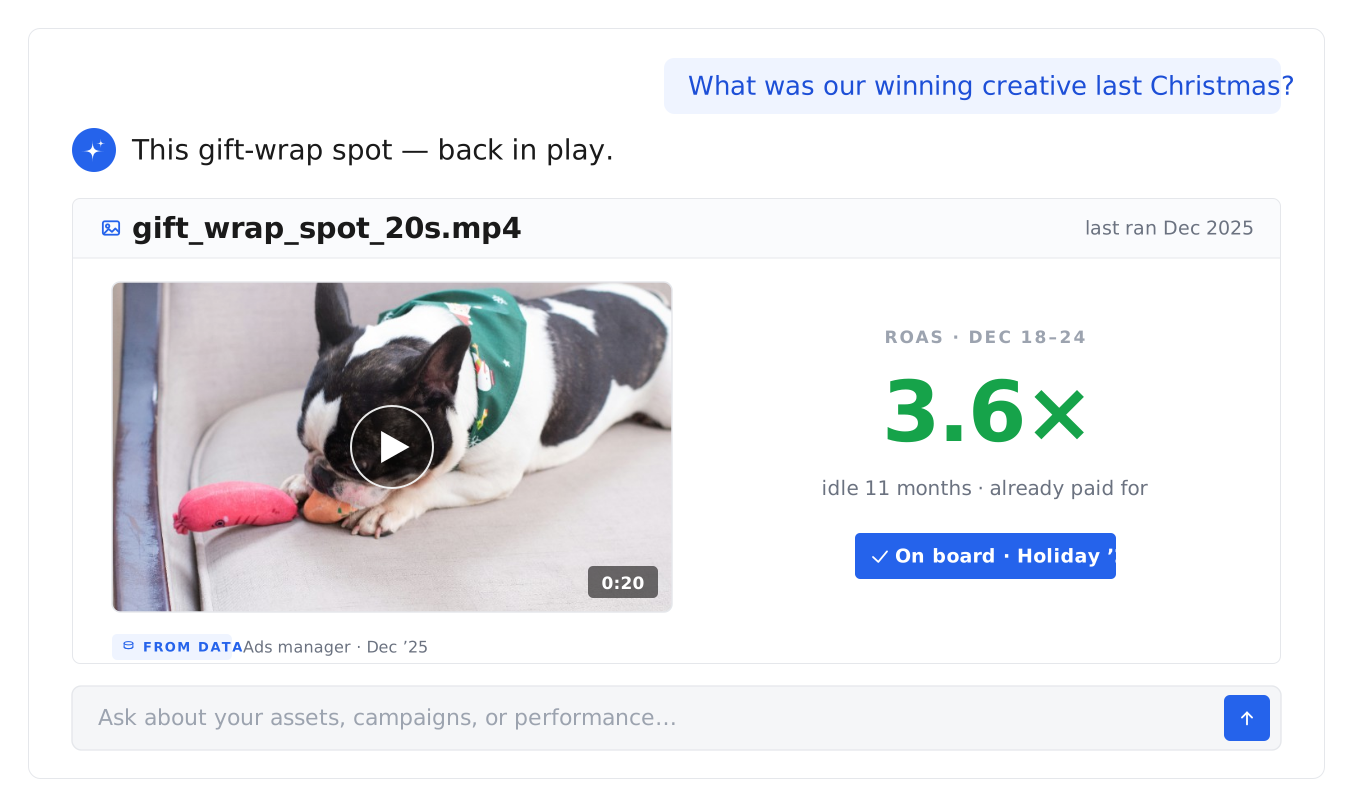
Get unused footage back to work
Uplifted surfaces strong clips you haven't run recently, so the creative you've already paid for re-enters rotation and earns its keep.
Our creative approval software is powering teams across
$3.4B
REVENUE
11.3M
ASSETS
47M
CONVERSIONS
$1B+
AD SPEND
Review without leaving your creative library
Comment and approve in one place
Comment, leave time-based notes on video, and approve work in the same place your assets already sit — no moving files between tools.
A review toolkit, built in
Comments, time-based video notes, permissions, and approval status give you everything you need from creative review software — inside your library, where your assets already live.
Why teams switch
Storing creative in one tool, reviewing in another, and tracking feedback in a third is why many teams replaced their separate marketing approval software and moved their whole review flow into Uplifted.
Our AI infrastructure has powered customers with over
11.3M
ASSETS
96.4M
TAGS
23.5M
CLIPS
Frequently asked questions
Where does the feedback live?
With the creative. Every comment and round of feedback stays on the asset, so the full review history is always in context.
Can I review and approve remixed or iterated content?
Yes. As your team remixes winning creative into new versions, each one can be reviewed and approved in the same place — comment on it, mark it approved or needs changes, and track it alongside the original, so content remixing and approval stay in one flow.
What is a creative approval workflow?
A creative approval workflow is how work moves from draft to approved. In Uplifted, reviewers comment on the exact second, approve in place, and the approved version is the one everyone finds — no email chains, no version confusion.
What are the best tools for creative review and approval in 2026?
The best creative review and approval tools keep the work and the feedback in one place. Uplifted handles video review and approval, image and design approval, comments, and sign-off on top of your creative library — so teams reviewing creative, video, or design approve in the same place the assets live, rather than moving between a storage tool and a separate proofing tool.
Can clients or external reviewers comment without editing?
Yes. Give reviewers comment-only access, or view and edit, so clients and stakeholders weigh in at the right level — useful client and marketing approval without extra seats.
Can I leave feedback on a specific moment in a video?
Yes. Pin a comment to the exact second of a video, so your feedback points to the precise frame it refers to.
How do I review and approve creative in Uplifted?
Open any asset, leave comments (and time-based notes on video), then mark it approved or needs changes. Reviewers can be given comment-only or full edit access, and approved creative can be pushed straight to your channels.
What is creative approval software?
Creative approval software is where teams review creative and sign off on it — leaving feedback, marking changes, and tracking what's approved. Uplifted is creative review and approval software built into your creative library, so review happens in the same place your assets live, with comments and time-based notes on video.
What is AI content repurposing?
AI content repurposing is using AI to turn creative you already have into new content — new cuts, formats, and ads — instead of producing from scratch. Uplifted understands every clip in your library, so it finds and reworks your existing footage into fresh creative grounded in what already performed.
How do I repurpose video content with AI?
Uplifted automatically slices your videos into tagged, searchable clips. Search for a scene, hook, or moment, pull the matching clips, and recut them into new ads — without reshooting or scrubbing through raw footage by hand.
What are good content repurposing strategies for ads?
The highest-return strategy is reusing what already worked: break winning ads into modular clips, recombine them into new variations, and adapt formats for each channel. Uplifted grounds this in your real performance data, so repurposing compounds on proven creative.
Can I repurpose my best-performing ads?
Yes. Take a winning ad and rework it into new variations and formats, grounded in the performance data behind it, so you scale what already works rather than starting over.
How is this different from generating new AI content?
Uplifted repurposes your real footage — it does not generate synthetic video or images. Everything you ship comes from creative you actually made, reworked into more, which is why premium and brand-led teams use it.